How To Login To The Notabli CRM
Portal Login vs. CRM Login
The notabli system has 2 main parts which, for now, has 2 seperate login sections. It’s really simple to work with both and our team are available 24/7 to provide support if you have any login issues.
Your Portal Login
Your portal provides high level information such as:
Campaign Plans & Quotes You’ve Requested
Real-Time Activity Reports
Call Recordings & Transcripts
Messaging For The Support Team
Files & Campaigns
The email address for this will be the email that you’ve used to request quotes & campaign plans.
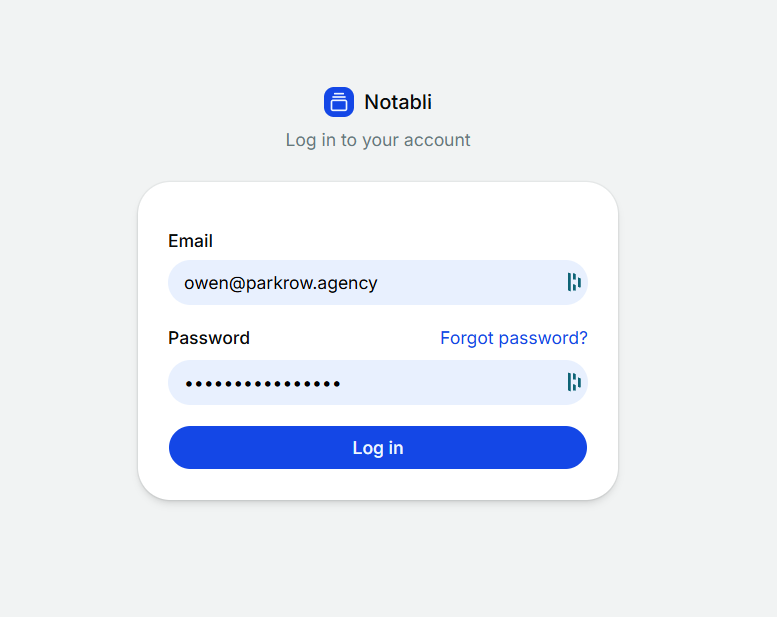
CRM Login
The Notabli CRM is what our team work on. This includes the entire prospect history including calls made, outcomes and notes. The use of this for you is for granular access to view specific prospects that have met the agreed standard of qualified lead.
As part of the setup of the campaign, you’ll be able to login to the CRM to view leads generated from an entire contact history perspective. This may be useful e.g. if the end-client has questions on previous conversations that were had, you would be able to login to view the entire contact history and view call notes.
How To Login To The Notabli CRM
Login to the portal as normal, using your email that you requested quotes.
Select ‘Notabli CRM’ on the left hand side.
Enter the same email and the provided one-time password.
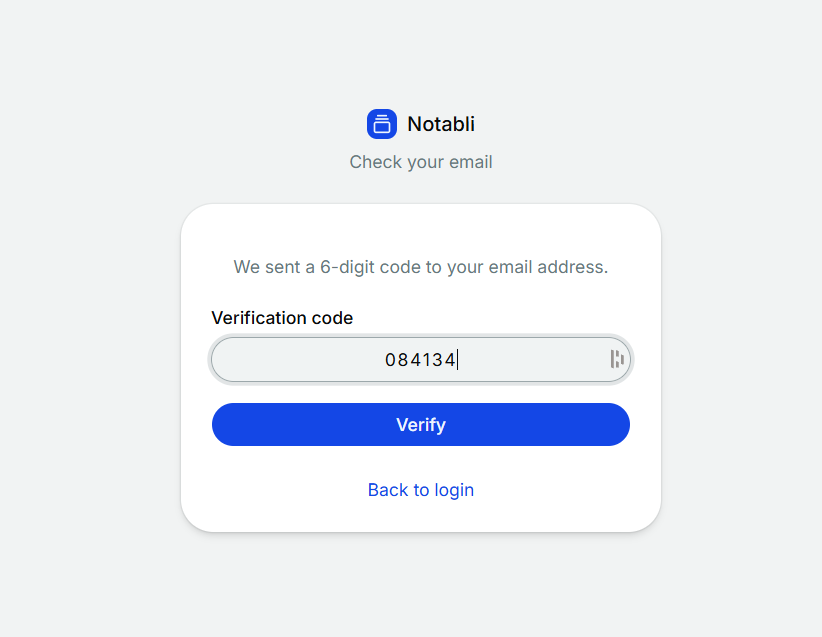
It will ask you for a code, which will be sent to your email.
You may need to change your password on your first login.